Keep
The speckled ivory ceramic, natural linen and warm light.
Keep the composition. Warm up the light. Shorten the opening. Aethra lets you work from a selected creation and ask for a change with the original intention still in view.
TERRA · two real Aethra-generated versions
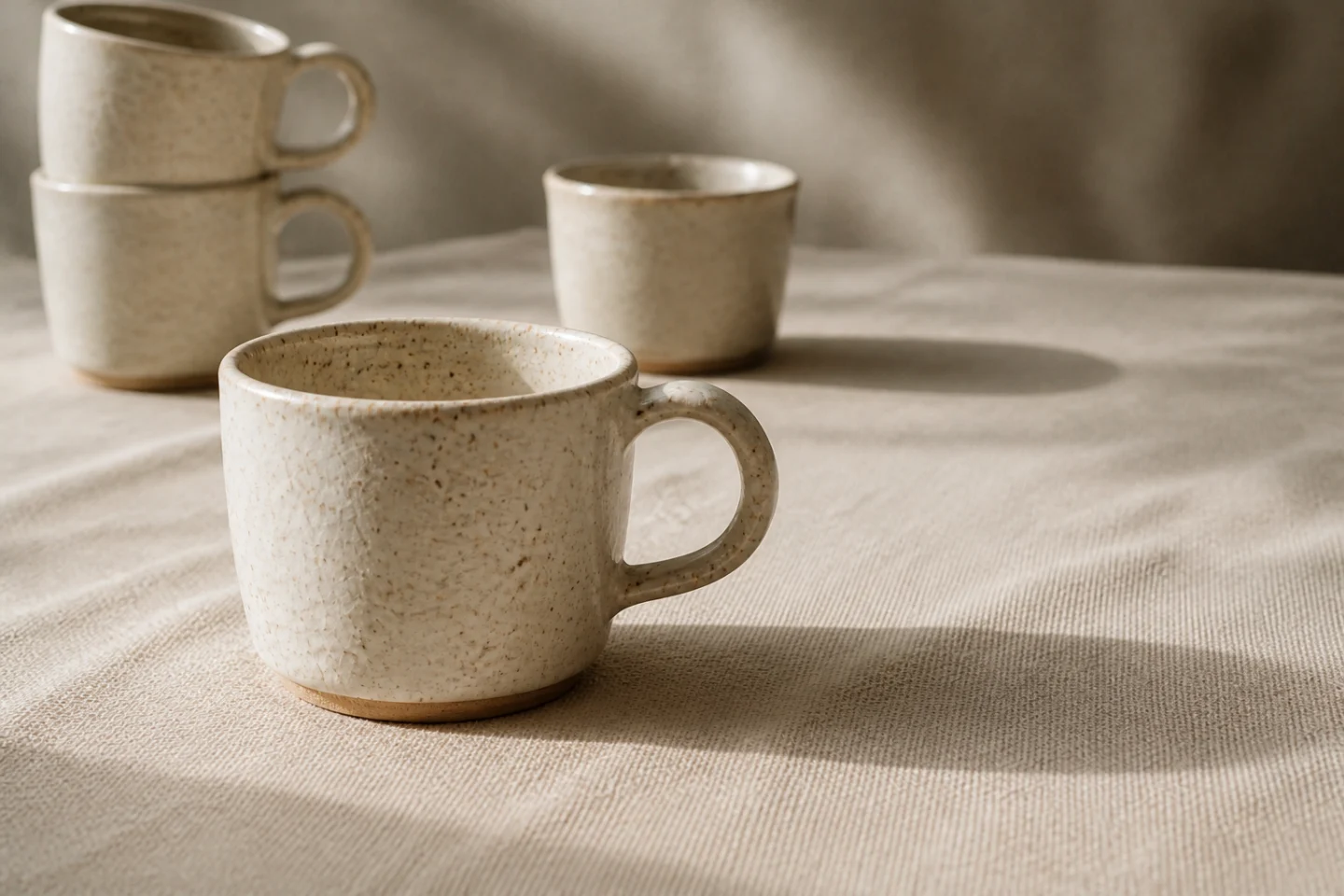
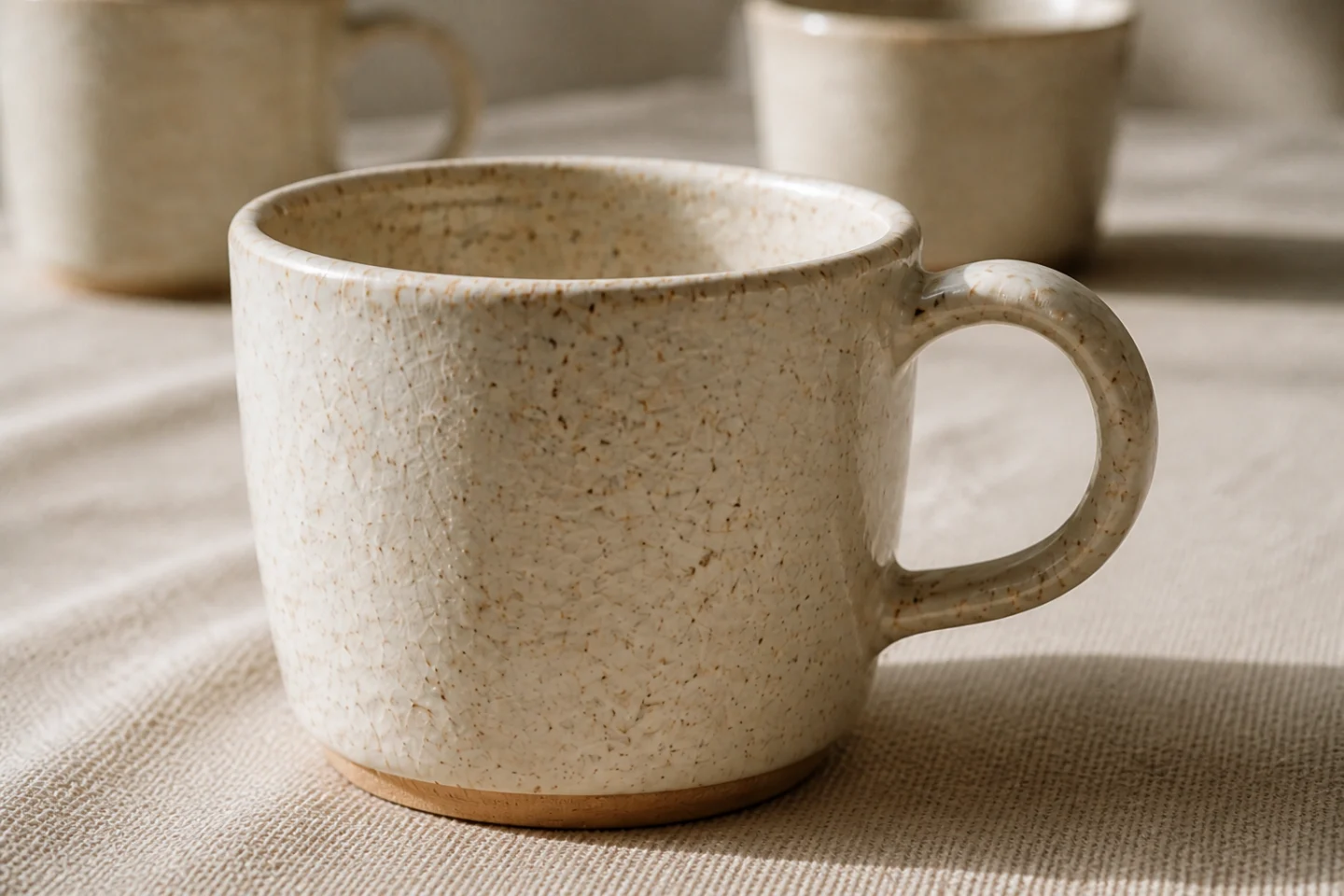
The speckled ivory ceramic, natural linen and warm light.
Bring the cup closer. Let the material carry more of the image.
Does the closer crop make the glaze and speckling easier to notice? Does the warm side light still feel natural?
In the TERRA ceramics example, we want the glaze and the rounded cup to do the talking. “Move closer to the cup” gives a revision a clearer aim than “make it better.” Open the selected creation and describe the part you mean.
Keep the speckled finish, the handle and the natural light while trying a tighter composition. Then compare the result with the reference. A change in framing should not quietly become a different product.
You might save one version to compare later and choose another for the campaign. Tell Aethra which decision you mean. Specific feedback tied to the selected work gives the next revision a better starting point.
There is a reason Aethra keeps your references, decisions and feedback connected. Here is how the pieces work together.
Inside the consistency processNot necessarily. State what should remain and inspect the result against the original. Generated revisions still require review.
No. Saving and approving convey different things. Explicit instructions and feedback connected to the relevant work provide clearer evidence of your intent.